
If you need to define an additional JDBC connection string for any reason, take the following steps:
-
Follow the same steps as listed in Verifying the JDBC Connection String to reach the JDBC connection string definition(s).
-
Click the plus (+) sign to the right of Connection strings to define an additional connection string.

Add Connection String Icon
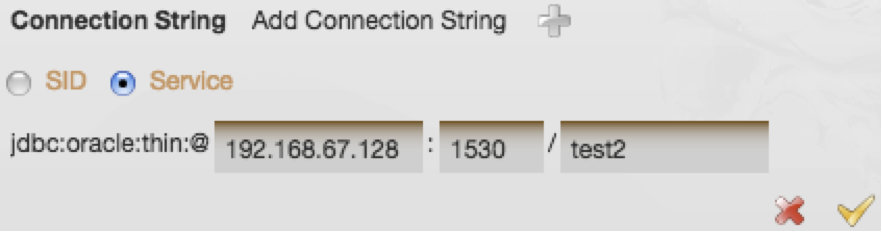
In the screenshot below, the user is adding a connection string for the “test2” service on port 1530 instead of the default 1521.
-
Click the Add to save the changes.
-
Follow the remaining steps in Verifying the JDBC Connection String to validate your newly added connection string.