
Prerequisites
-
know the new ORACLE_HOME user and password
-
know the VDB you want to change
-
have delphix_admin privileges to the VDB
Procedure
-
Login to the Delphix management application.
-
Click Manage.
-
Select Datasets.
-
Select your VDB.
-
Select the Configuration tab.
-
In the upper right-hand corner of the Source sub-tab, click the Actions menu (...) and select Upgrade.
-
Select the new Installation from the drop-down menu.
-
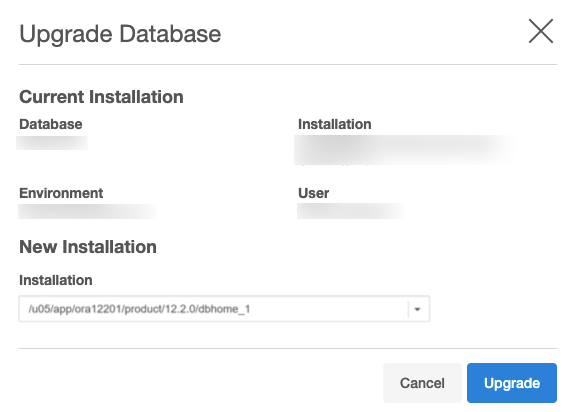
Click Upgrade.