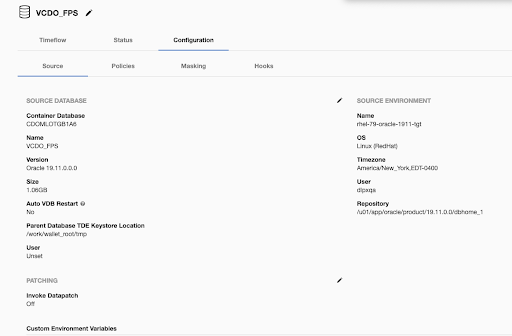
The Parent Database TDE Keystore Location is specified in the GUI in the Configuration tab under the vPDB in the Source tab.
-
Login to the Delphix Management application.
-
Click Manage > Datasets.
-
Click on the vPDB.
-
Click the Configuration tab.
-
Click the Source tab.
-
Next to Source Database, click on the pencil icon to update the Parent Database TDE Keystore Location.
-
Click on the checkmark to save your changes.