
Prerequisites
-
Delphix Engine of version 6.0.x
-
Install MySQL Binaries on source, staging, and target servers
Installing the MySQL connector
Method 1: Using GUI
-
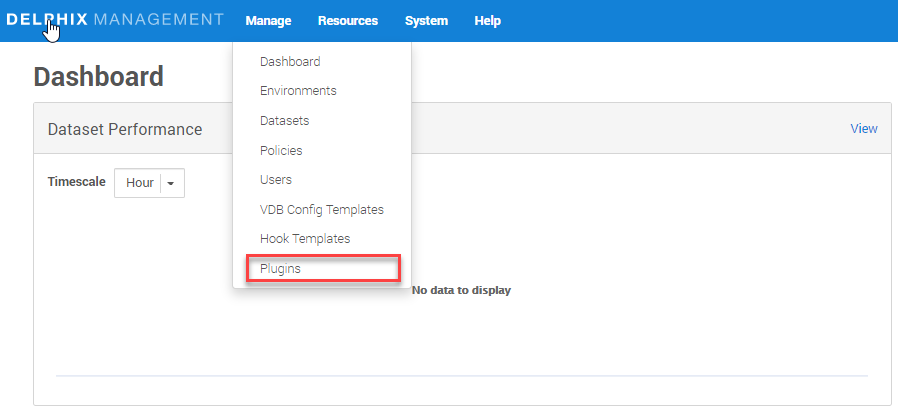
Click on Manage (present on top-left of the below page) and then Plugins.
-
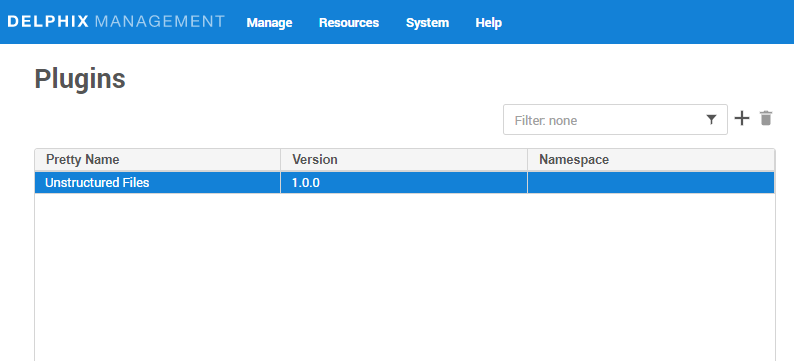
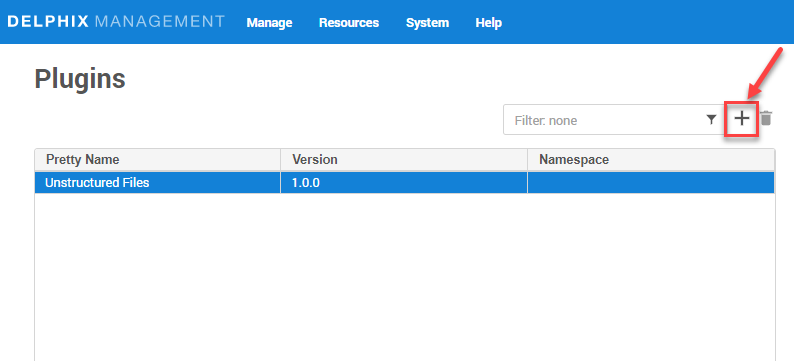
Click on plus (+) icon.
-
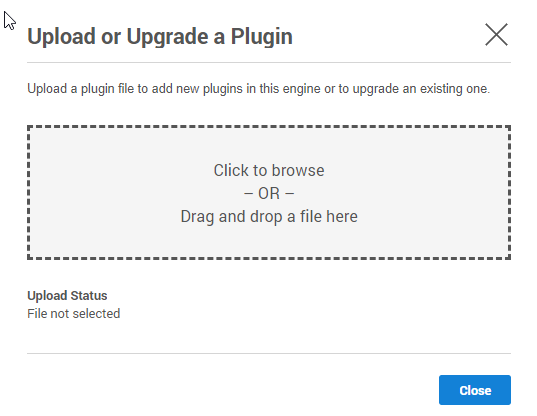
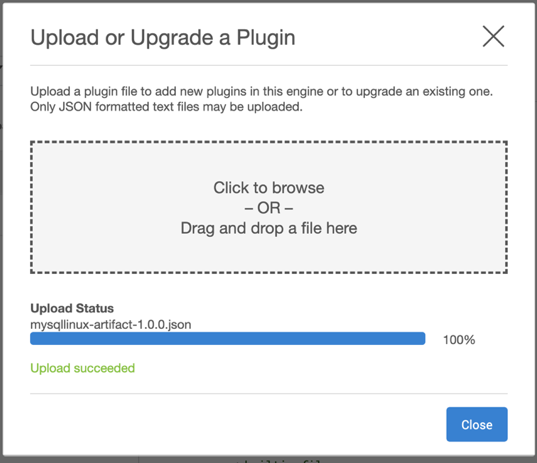
Click on Upload a plugin.
-
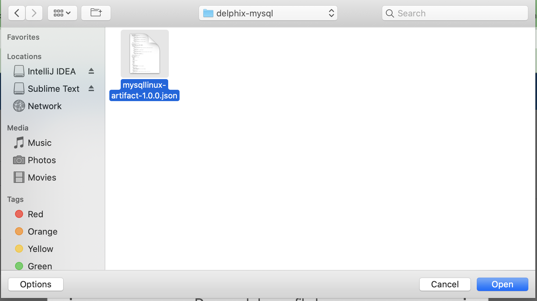
Select the
build(artifacts.json)from your device. -
Click on Close button.
-
See the plugin version in Plugins section.
Method 2: using dvp command
dvp upload -e <Delphix_Engine_Name> -u <username> --password <password>
Delphix Engine's documentation on installing plugins: Plugin Management.