
This topic describes how to add listeners for an Oracle environment.
When you add an environment with the Delphix Management application, all listeners that are running on it are automatically discovered. However, if a listener is not automatically discovered, you can add it manually to the environment.
Procedure
-
Log into the Delphix management application.
-
Select Manage > Environments.
-
Click on the name of an environment to view its basic information.
-
In the Details tab next to Listeners, click the Pencil icon to edit the list of listeners.
-
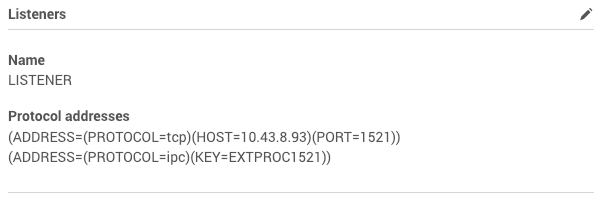
In the Listeners panel click the Plus icon.
-
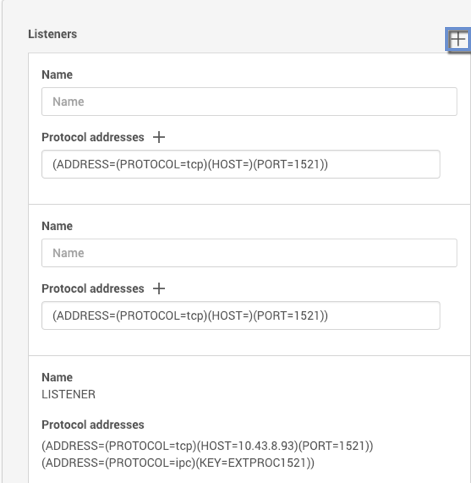
Enter a Name for the new listener, and a Protocol address of the listener. The Delphix Engine currently supports TCP and IPC protocol addresses. An example TCP protocol address is (ADDRESS=(PROTOCOL=TCP)(HOST=10.43.17.92)(PORT=1521)) and an example IPC protocol address is (ADDRESS=(PROTOCOL=IPC)(KEY=DELPHIX))
-
Click the Plus icon next to Protocol addresses to enter additional protocol addresses.
-
Click the Check icon to save your changes.