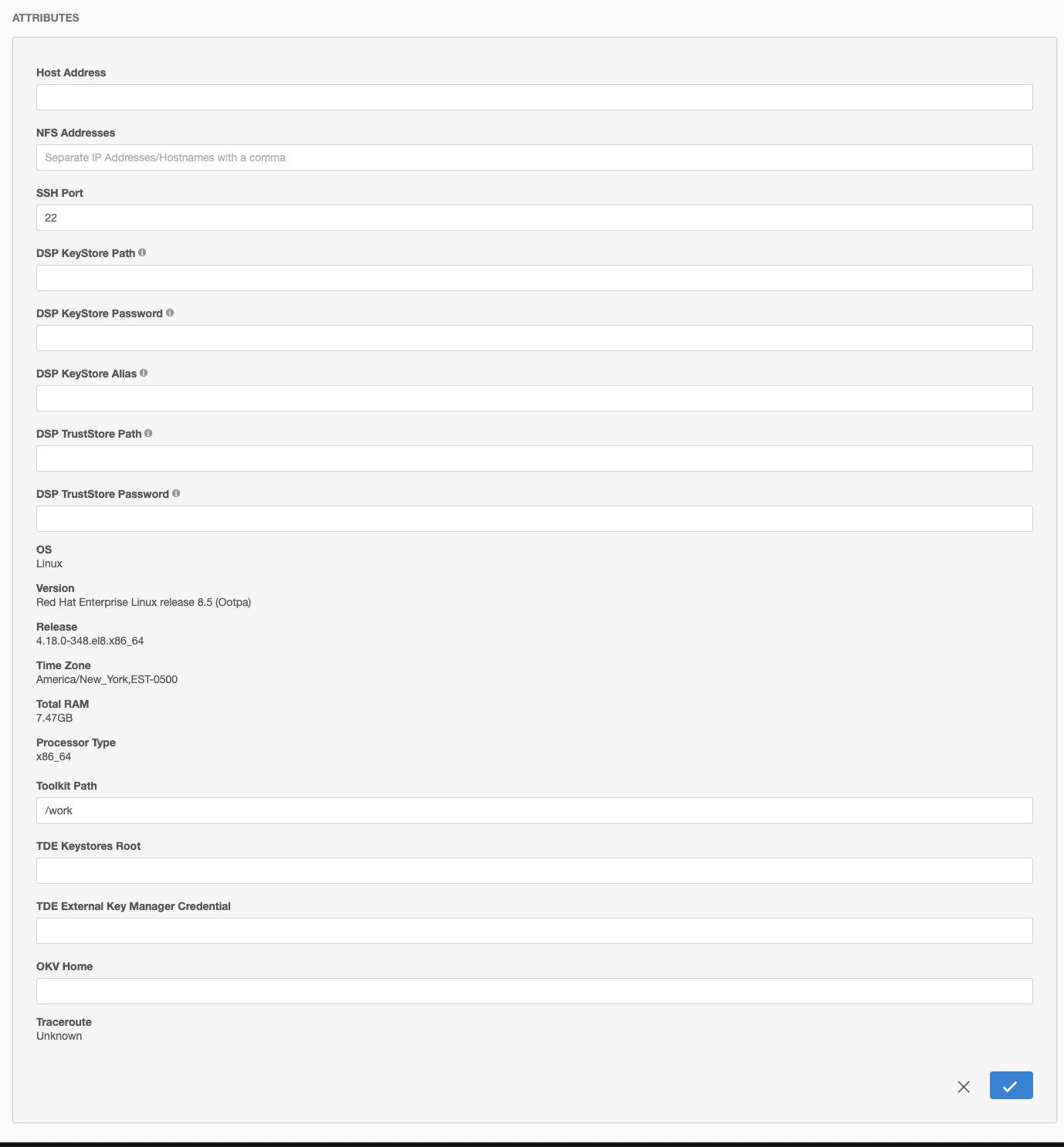
The OKV Home directory path is specified in the GUI in the Details tab under Environments:
-
Login to the Delphix Management application.
-
Click Manage → Environments.
-
Click the Details tab for your target environment.
-
Next to Attributes click on the pencil icon to set or update attributes, including the OKV Home.