
The staging push database can be moved to another repository in the same or a different environment using the following steps:
-
Disable the staging push dSource.
-
Under Datasets, go to dSource Configuration tab.
-
Click on the pencil icon next to Staging Environment to get into edit mode.
-
Update the Environment Name (if migrating to another environment), Repository and User.
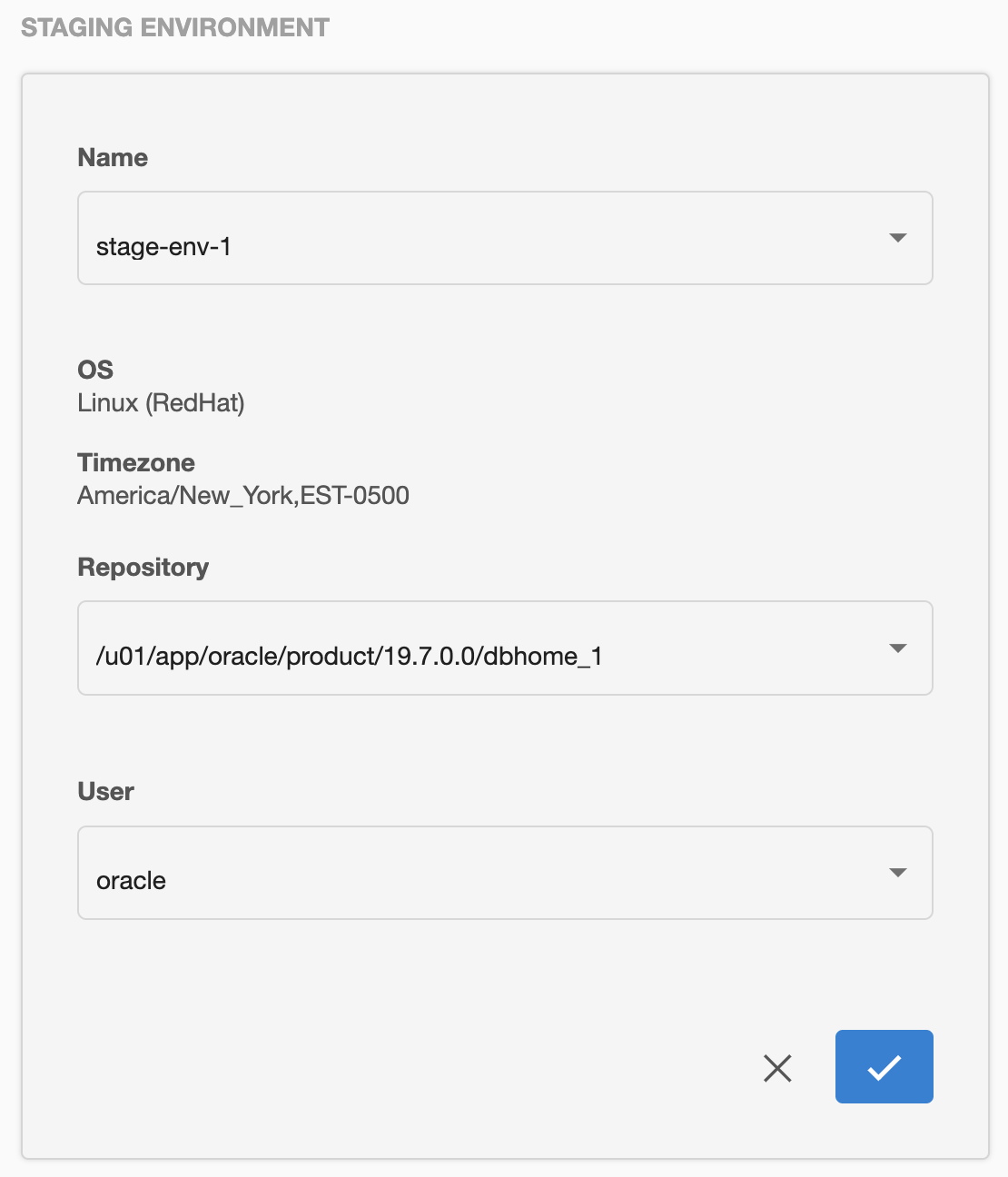
-
Enable the dSource.