
Select the dSource and then the dSource Configuration tab to modify dSource properties. For example, to change the Source SystemDB Username or Password, select the Dataset, Configuration, and then the Custom tab as shown below:
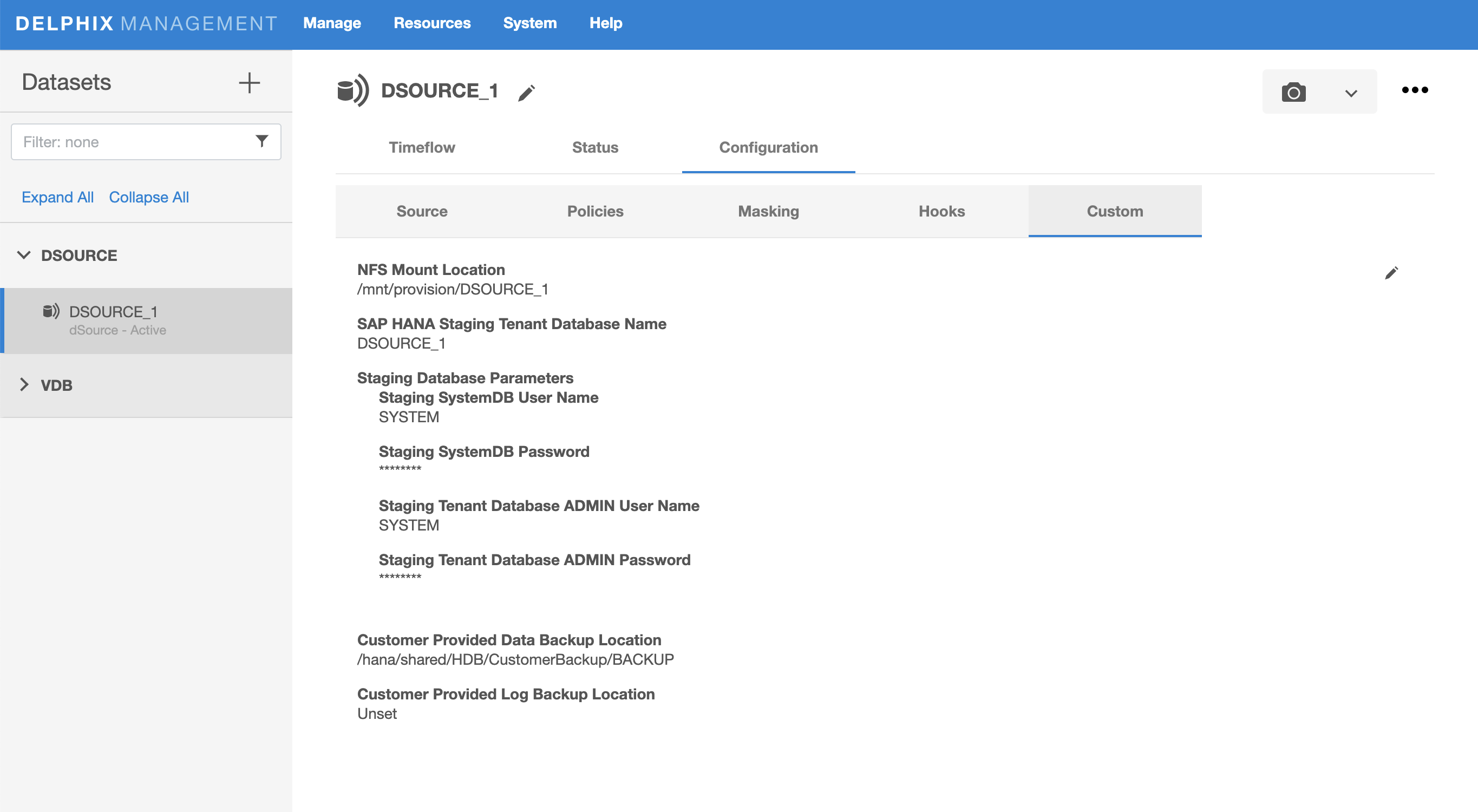
Select the dSource and then the dSource Configuration tab to modify dSource properties. For example, to change the Source SystemDB Username or Password, select the Dataset, Configuration, and then the Custom tab as shown below: