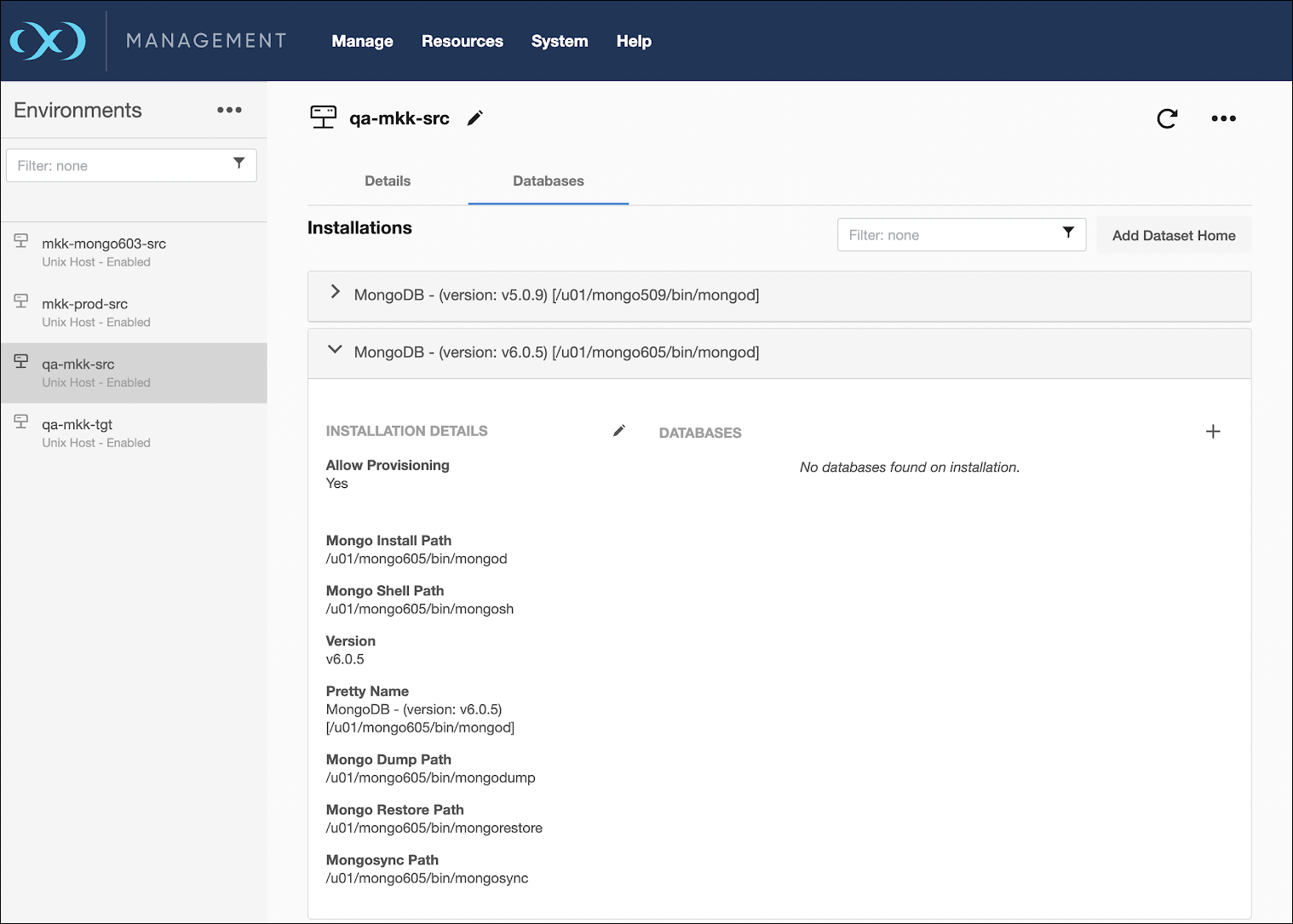
An environment contains repositories that are MongoDB installations in the environment. Each environment can have any number of repositories associated with it.
A SourceConfig object defines the configuration of the dSource and is required to create a dSource. You can create any number of SourceConfig objects using a repository, that represents known database instances.
For the MongoDB connector, the Source config must be created manually.
Procedure
Perform the following steps to add a database.
-
Login to the Delphix Management application.
-
Click Manage -> Environments.
-
Select the repository.
-
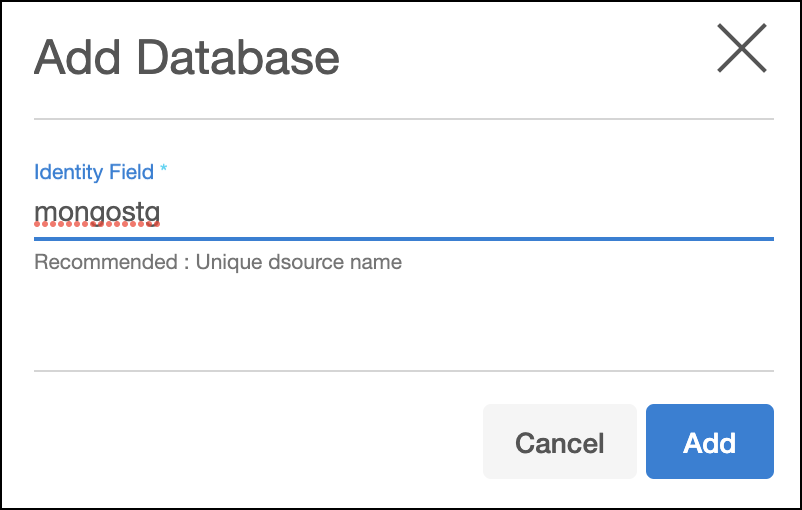
Click on plus + icon.
-
Add the required details in the Add database dialog window.
-
In the Identity field, enter a unique name for the staging database.
-
Click Add.